
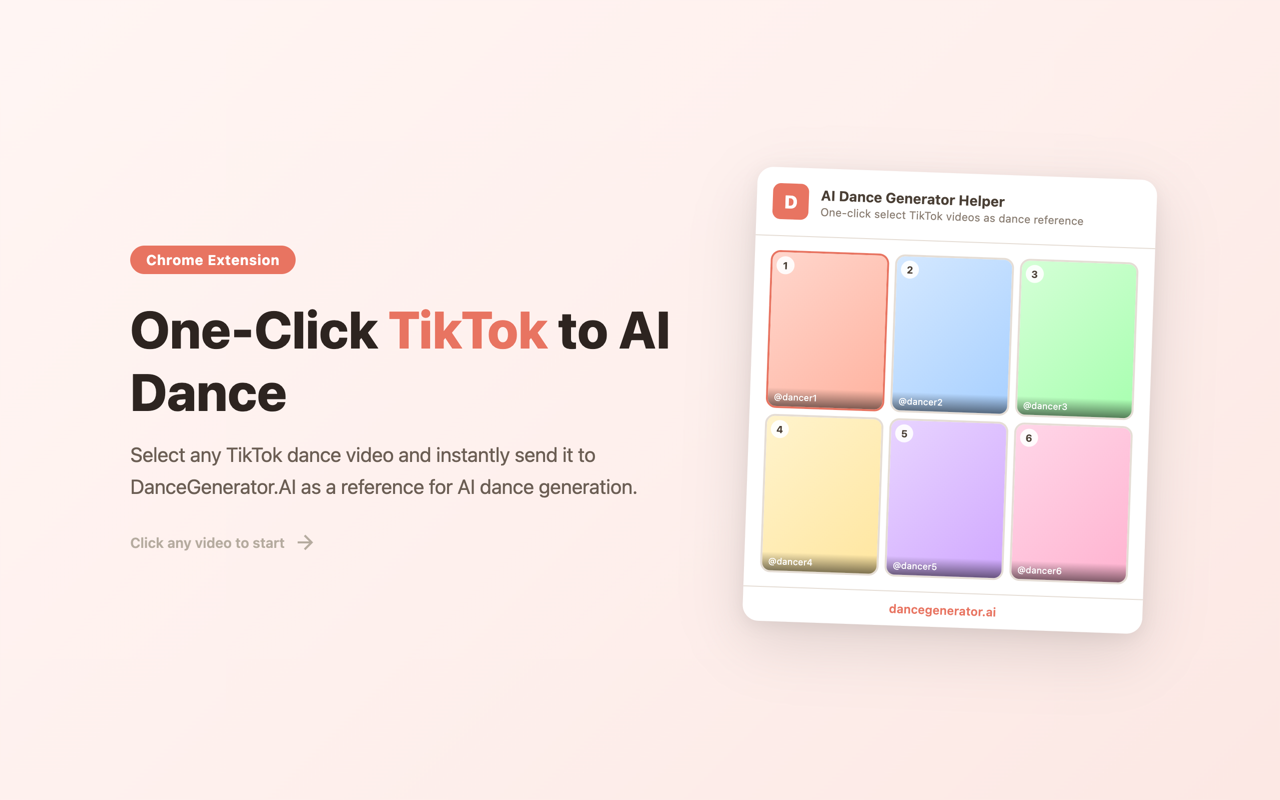
A free, open-source browser extension that connects TikTok directly to DanceGenerator.AI. Spot a dance video you love on TikTok, send it to DanceGenerator.AI in one click, and have any character dancing the same choreography within seconds — no copying links, no switching tabs.
Install
Available for Chrome, Edge, and Firefox:
| Browser | Link |
|---|---|
| Chrome | Install from Chrome Web Store |
| Edge | Install from Edge Add-ons |
| Firefox | Coming soon |
You can also install manually if you prefer.
How to Use
- Browse TikTok — Open any TikTok page: a creator's profile, your For You feed, or a video detail page.
- Open the Extension — Click the extension icon in your toolbar. Detected videos appear as a thumbnail grid.
- Select a Dance — Click any video to open DanceGenerator.AI with it pre-loaded as your dance reference.
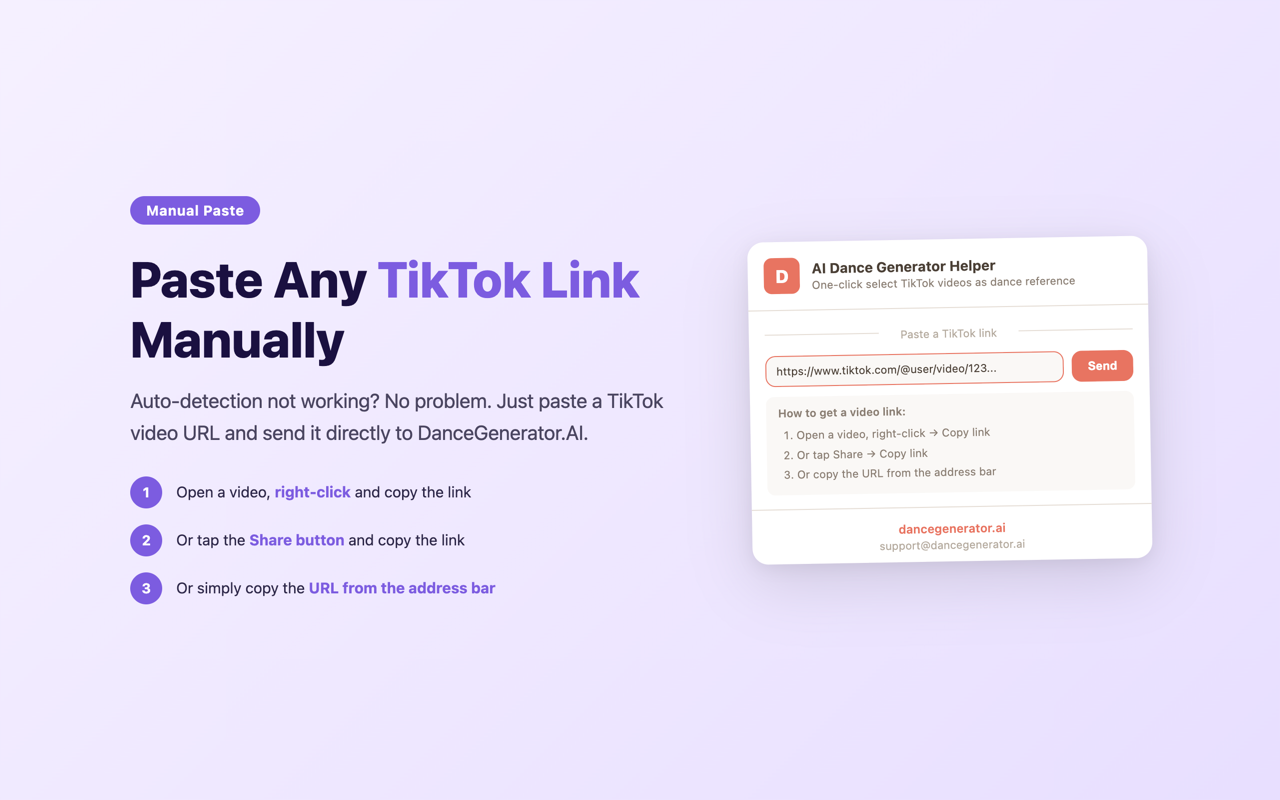
- Or Paste a URL — Have a TikTok link from elsewhere? Paste it into the extension and hit Send.
Upload a character image on DanceGenerator.AI and generate your dance video. The AI transfers the exact movements frame-by-frame from the TikTok reference onto your character.
Features
Auto-Detect Videos
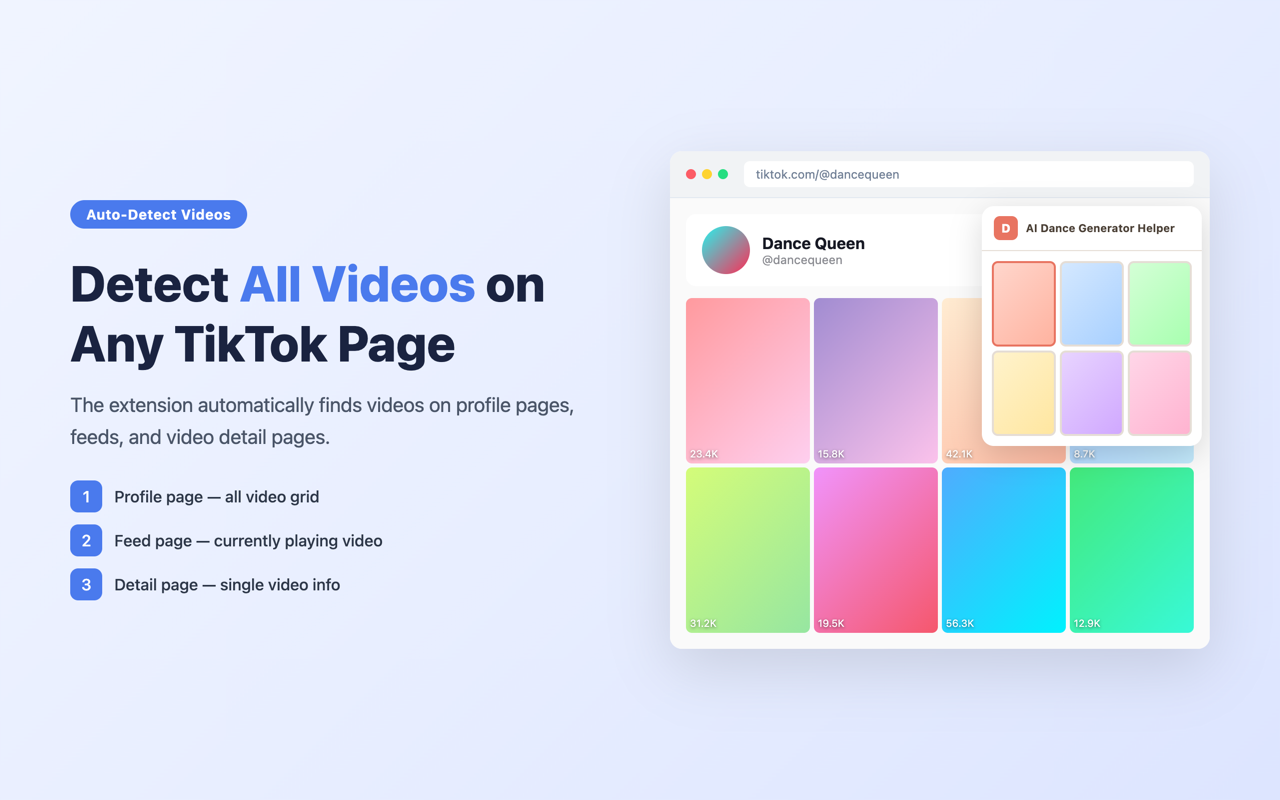
The extension automatically scans TikTok pages — profiles, feeds, and video detail pages — and surfaces every video it finds. No manual searching required.
One-Click Send
Select any detected video and DanceGenerator.AI opens instantly with that video pre-loaded as your dance reference. One click is all it takes.
Manual URL Paste
Auto-detection not working? Paste any TikTok video link directly into the extension and hit Send. You always have a fallback.
Video Thumbnails
Preview video thumbnails in a clean grid before selecting, so you can quickly identify the exact dance you want.
Lightweight
No complicated setup, no heavy background processes. Install and start using it right away.
Open Source
This extension is fully open source under the MIT license. You can inspect the code, contribute improvements, or fork it for your own use.
Manual Install
Chrome / Edge
- Download or clone the extension repository
- Open
chrome://extensions(Chrome) oredge://extensions(Edge) - Enable Developer mode (toggle in the top-right corner)
- Click Load unpacked
- Select the
chrome/folder (for Chrome) oredge/folder (for Edge)
Firefox
- Download or clone the extension repository
- Open
about:debugging#/runtime/this-firefox - Click Load Temporary Add-on...
- Select any file inside the
firefox/folder (e.g.manifest.json)
Note: Temporary add-ons in Firefox are removed when you close the browser. Reload each session until the official listing is available.
What is DanceGenerator.AI?
DanceGenerator.AI makes any character dance — real people, pets, cartoons, anime characters. Upload a reference dance video and a character image, and the AI transfers the choreography frame-by-frame, producing up to 30 seconds of smooth, HD dance video.
This extension + DanceGenerator.AI = end-to-end workflow: find inspiration on TikTok, generate a dance in minutes, share your creation with the world.
Support
- Email: [email protected]
- Website: dancegenerator.ai